Description
Ticket selection & Lucky Dip
Let customers choose how they enter.
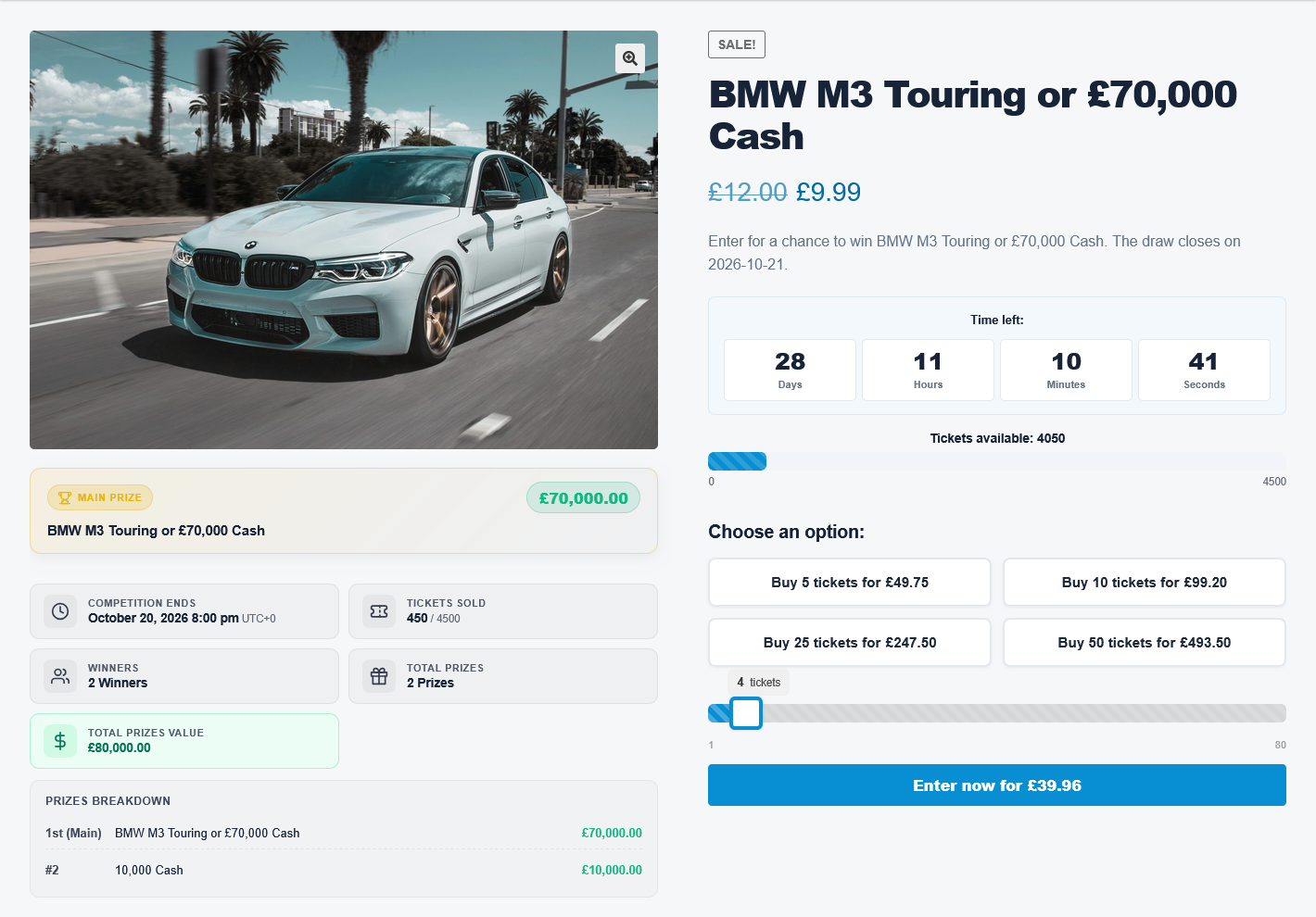
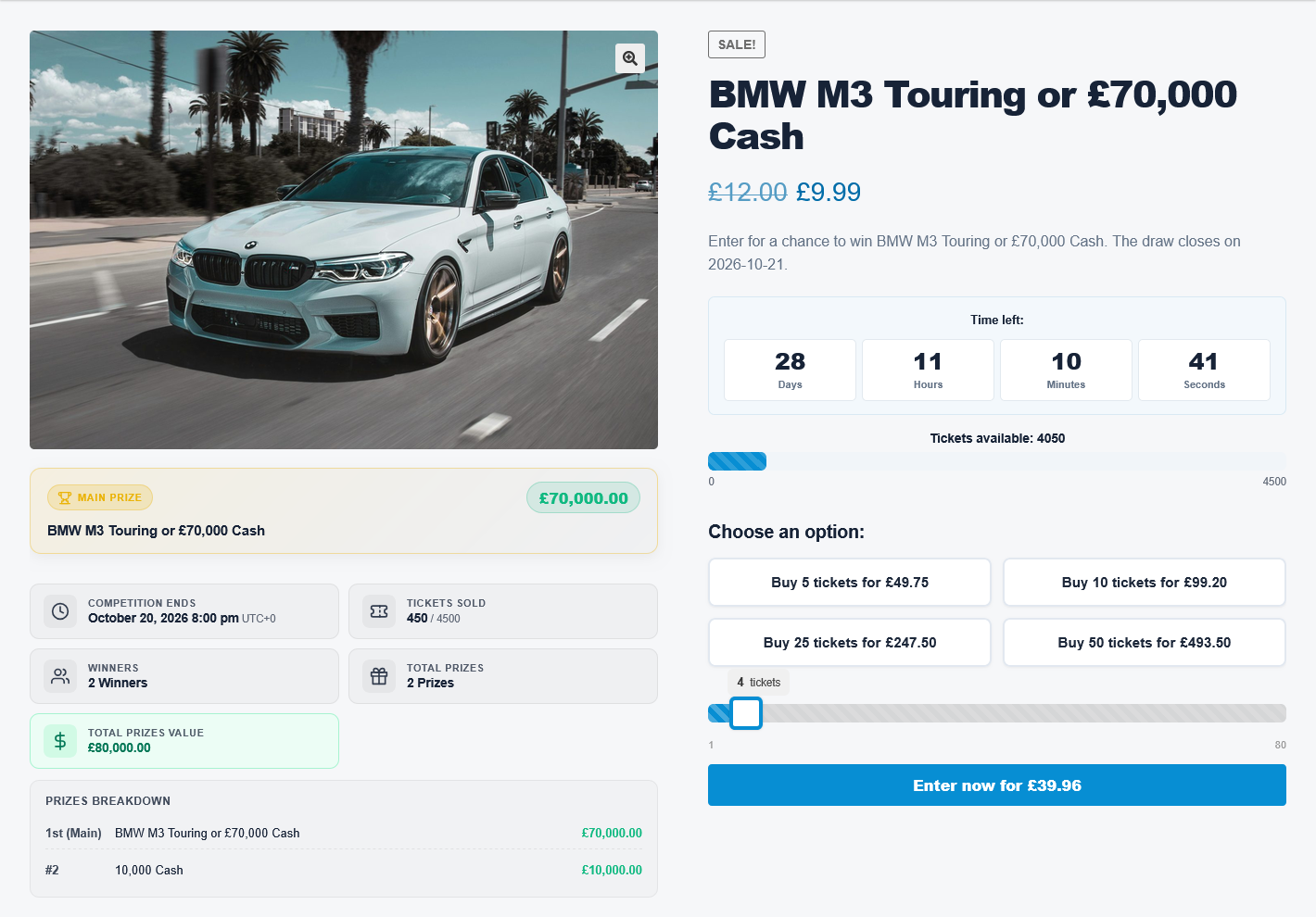
Offer an interactive number picker, a Lucky Dip selection, or automatic ticket allocation. Manage your competition products and ticket purchases through WooCommerce.
- Manual ticket selection with live cart reservations.
- Quantity sliders, ticket bundles, and bulk discounts.
- Custom ticket ranges, prefixes, and entry limits.
- Skill questions and customer account ticket history.
Instant wins & prize reveals
Make every prize reveal part of the experience.
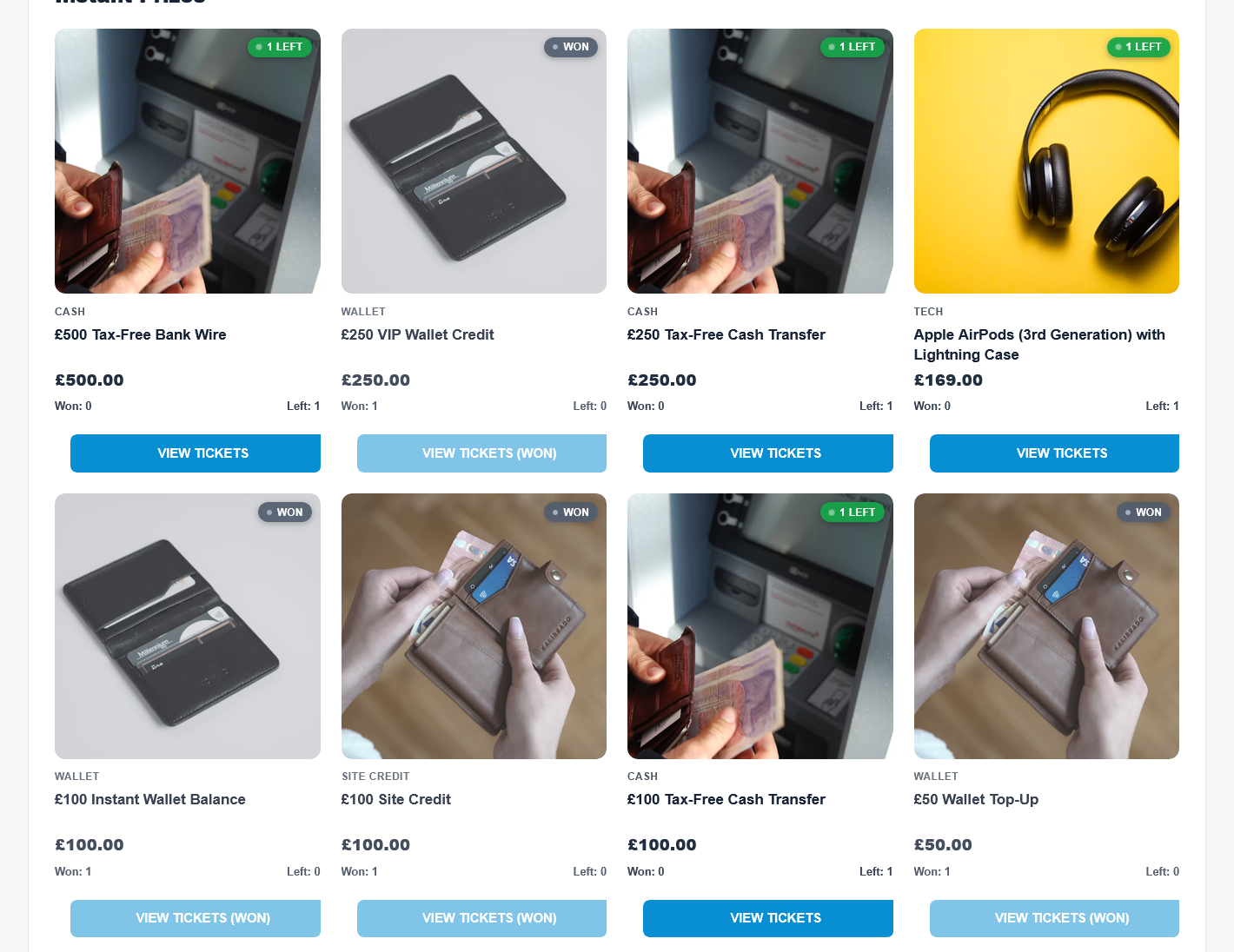
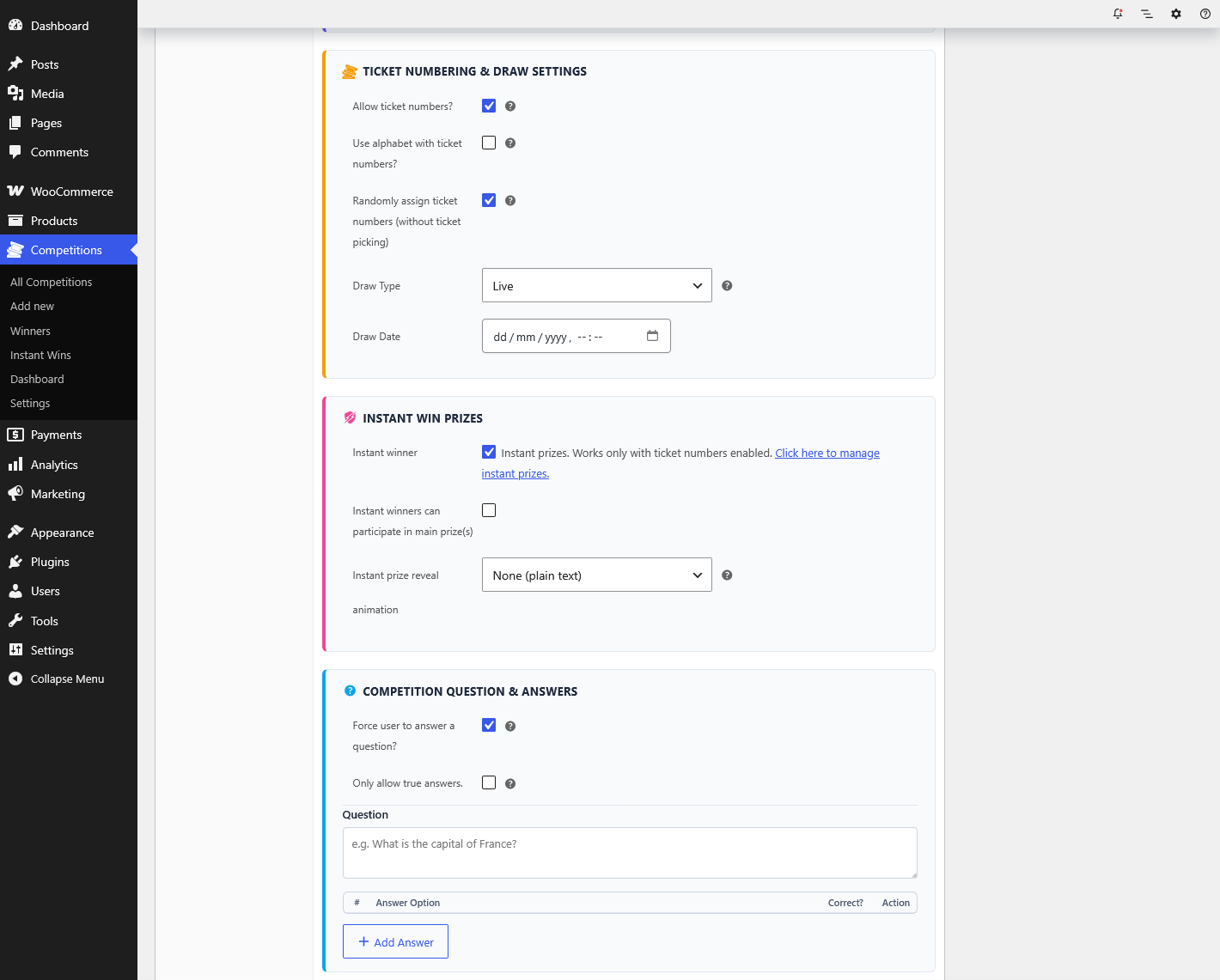
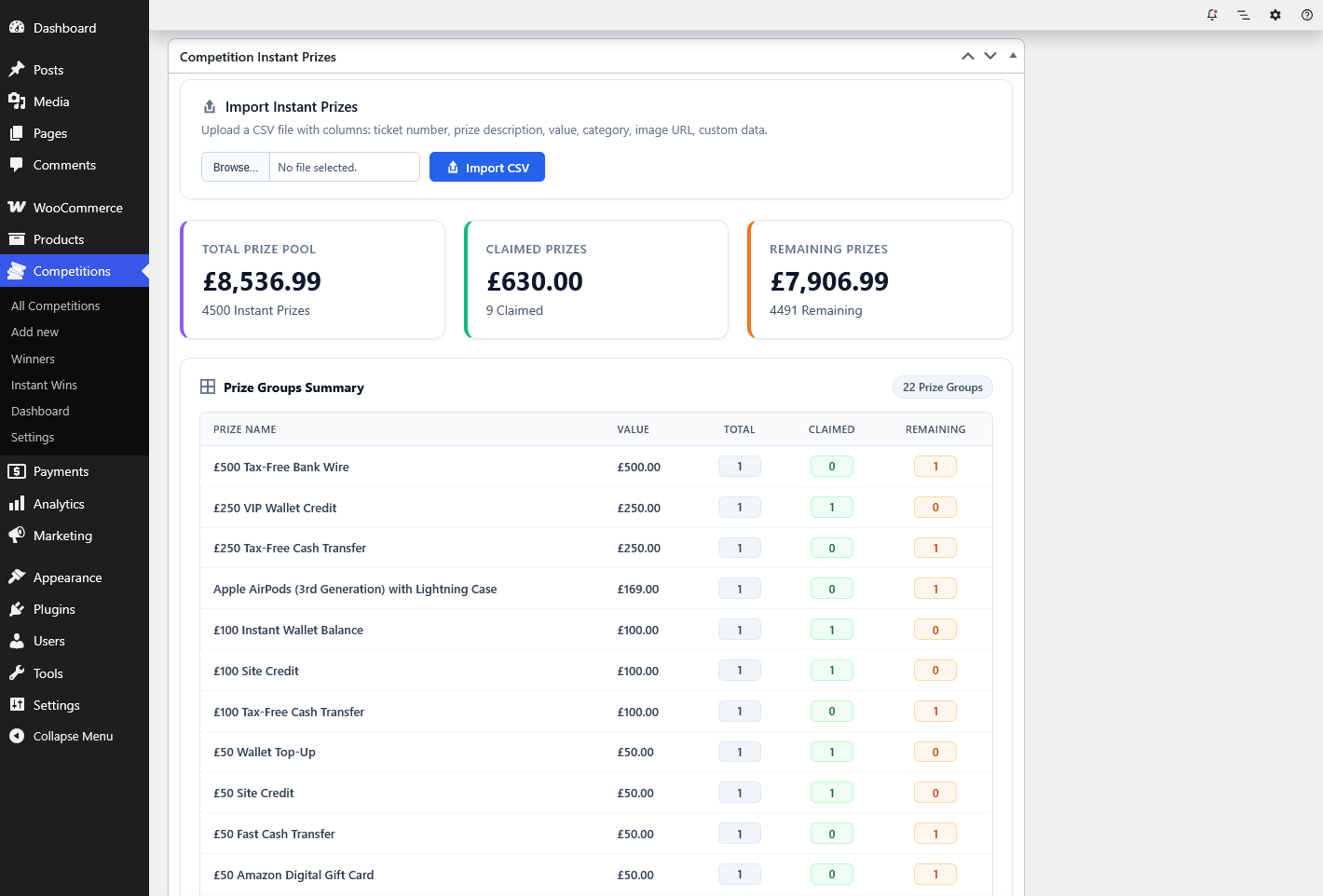
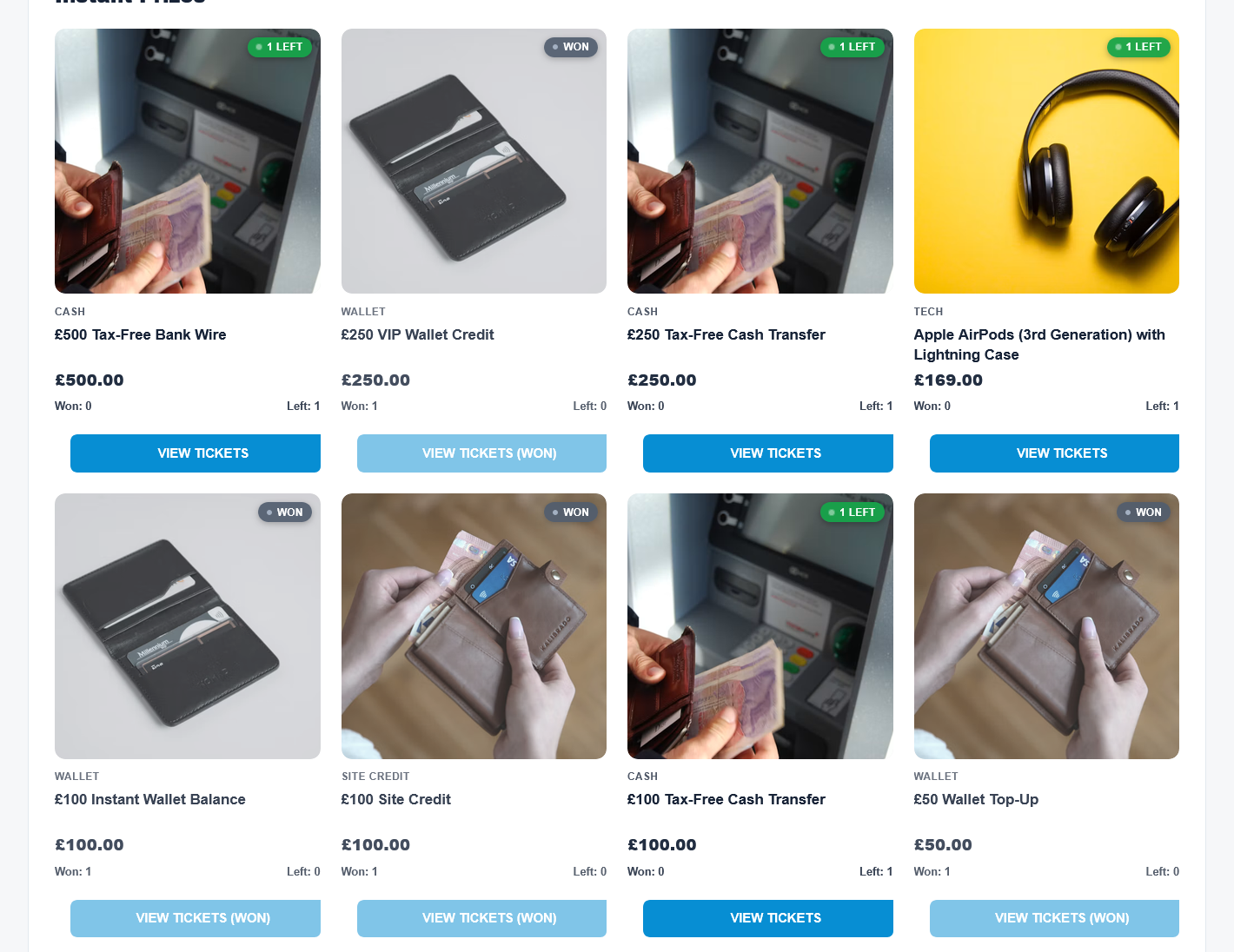
Assign instant prizes to ticket numbers, group prizes with their own images, and let customers reveal their results on the order confirmation page.
- Flip Card, Scratch Card, Case Opening, and Spin the Wheel.
- A plain text option when you do not need animations.
- Configurable colors, sounds, and confetti effects.
- Win notifications and instant prize history in My Account.
Automatic wallet credit requires the separate TeraWallet plugin and the wallet credit setting to be enabled.
Live draws & OBS
Bring your audience into the draw.
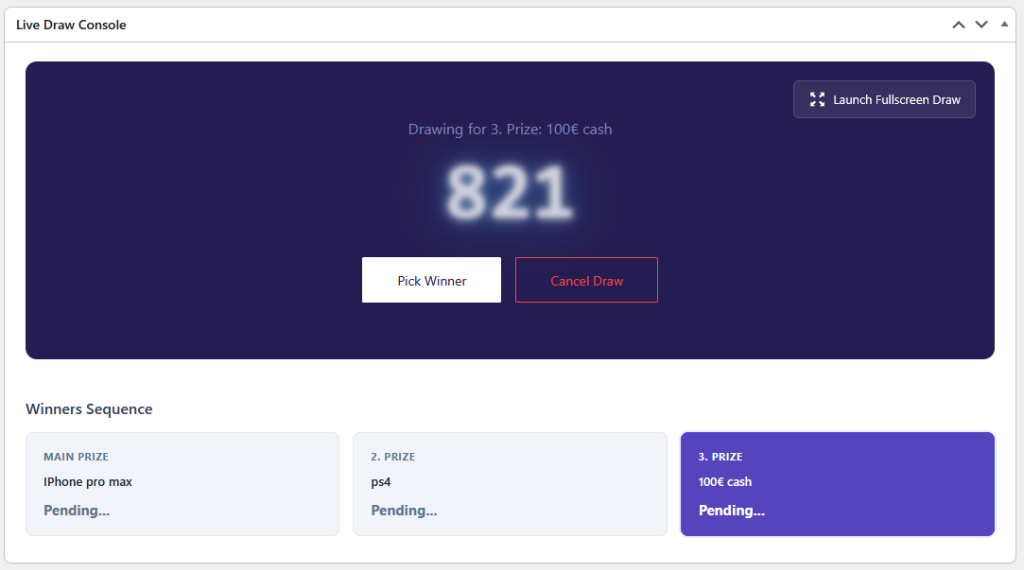
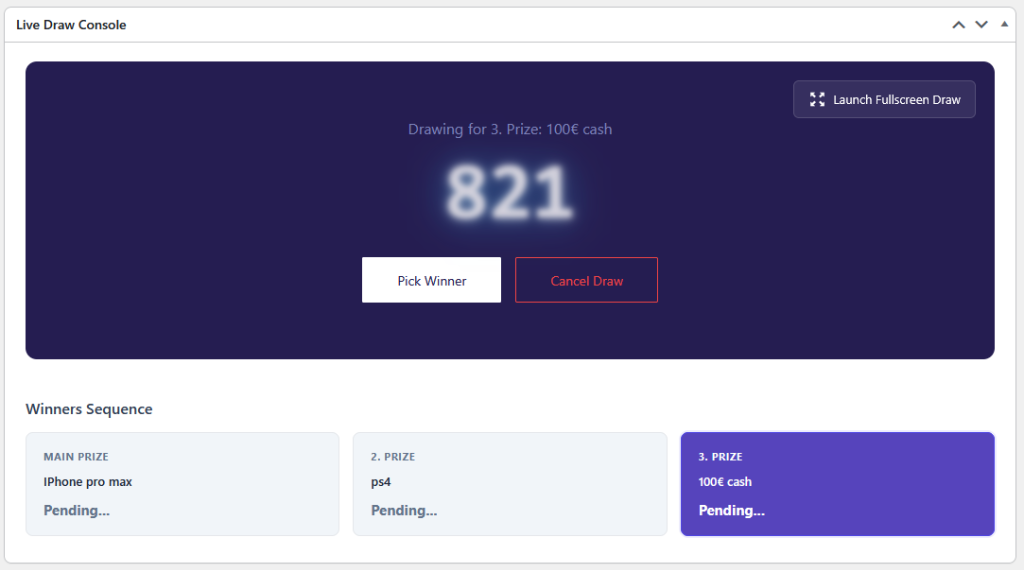
Choose automatic winner selection, draw manually when you are ready, or use the full-screen Live Draw console for your broadcast.
- A dedicated live draw screen for presenting winner selection.
- Automatic instant win alerts in your stream, with prize images, configurable winner name display, and optional sound.
- A live ticket counter and animated progress bar that update as tickets are purchased. Display sold / total or remaining tickets.
- Multiple prizes and runners-up.
- Scheduled competitions and automatic or manual relisting.
Add the transparent overlay to OBS as a Browser Source using the URL from your Stream Overlay settings. Ticket sales and instant win events update the overlay automatically, without refreshing it. Broadcast through your streaming software and platform account.
Explore the Live Draw screen →
See how to set up the OBS overlay →
Randomness & verification
Show how tickets were assigned and winners selected.
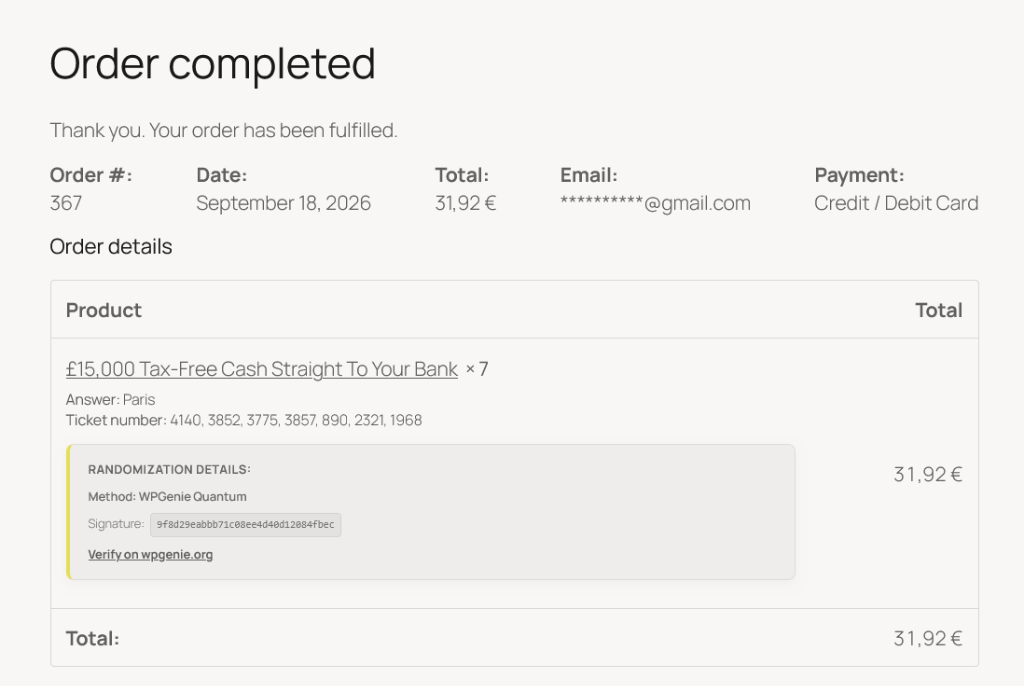
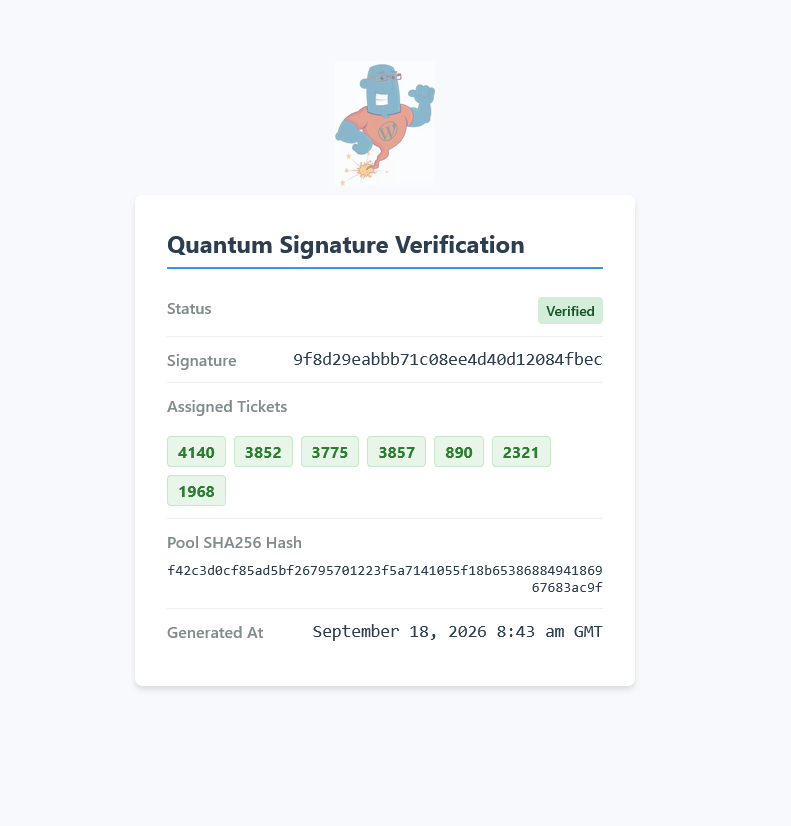
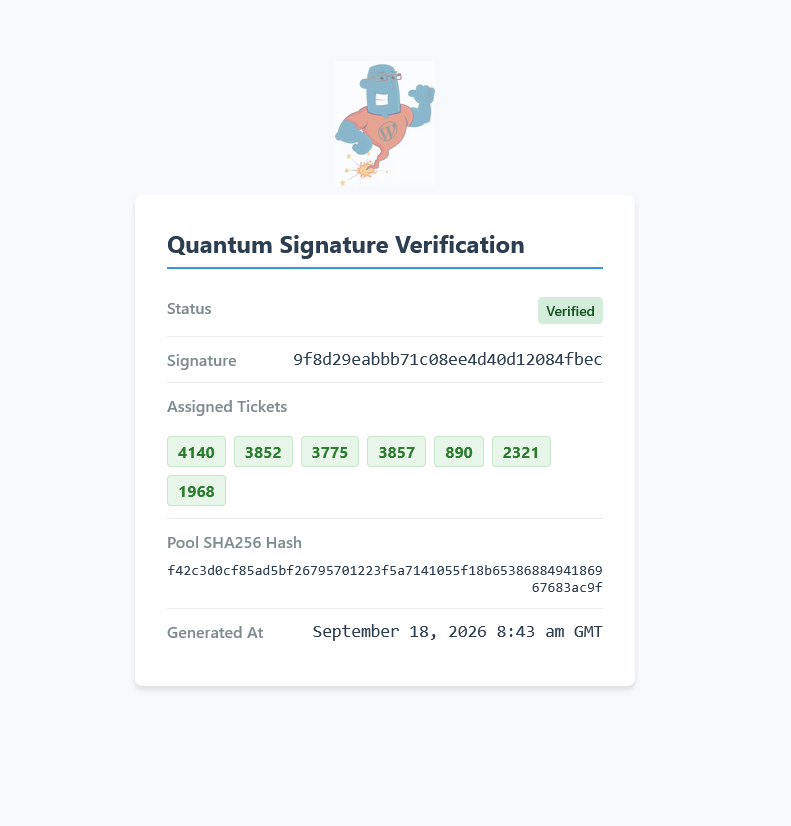
Choose the random number method that fits your setup. When using the wpgenie Quantum Randomizer, optional public signatures and verification links let customers see how their ticket numbers were assigned and how winners were selected.
- wpgenie Quantum Randomizer: ANU-powered service included for licensed users.
- ANU direct: connect using your own ANU API key.
- PHP random_int(): cryptographically secure server-side generation without an external random-number API.
Public signatures and verification links follow your display settings. Quantum ticket allocation at checkout is optional and depends on external API response times.
Competition management
Keep tickets, prizes, and results in view.
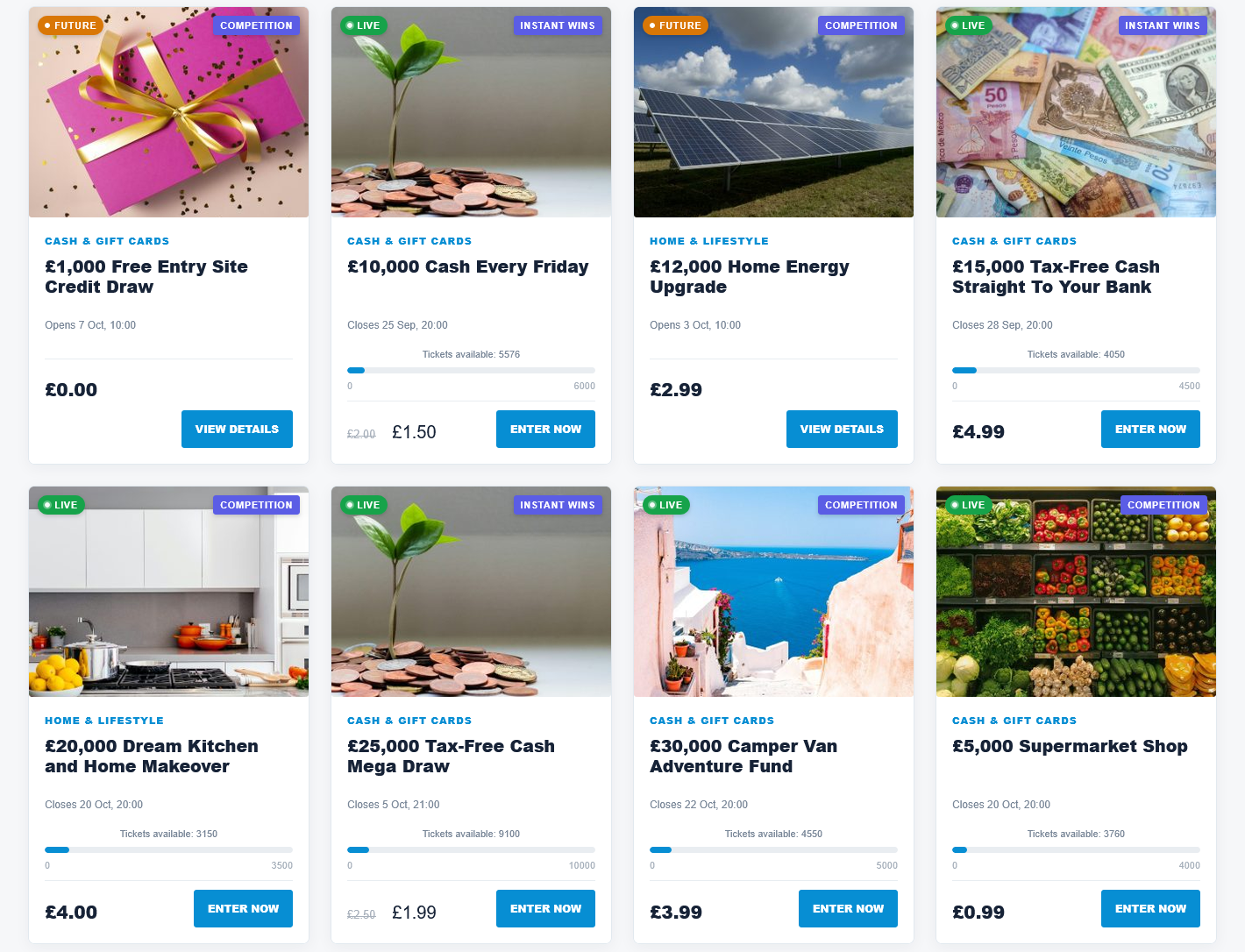
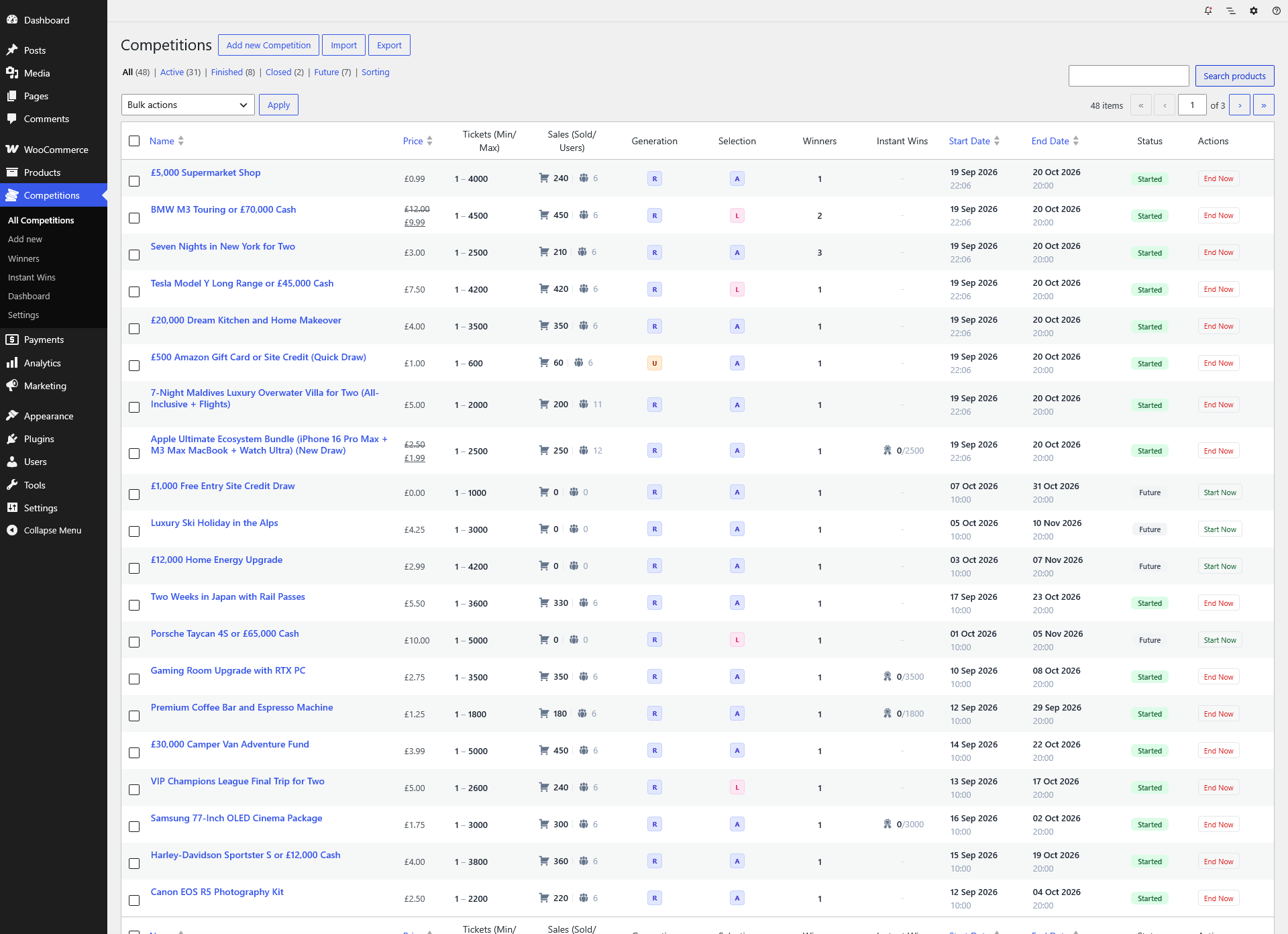
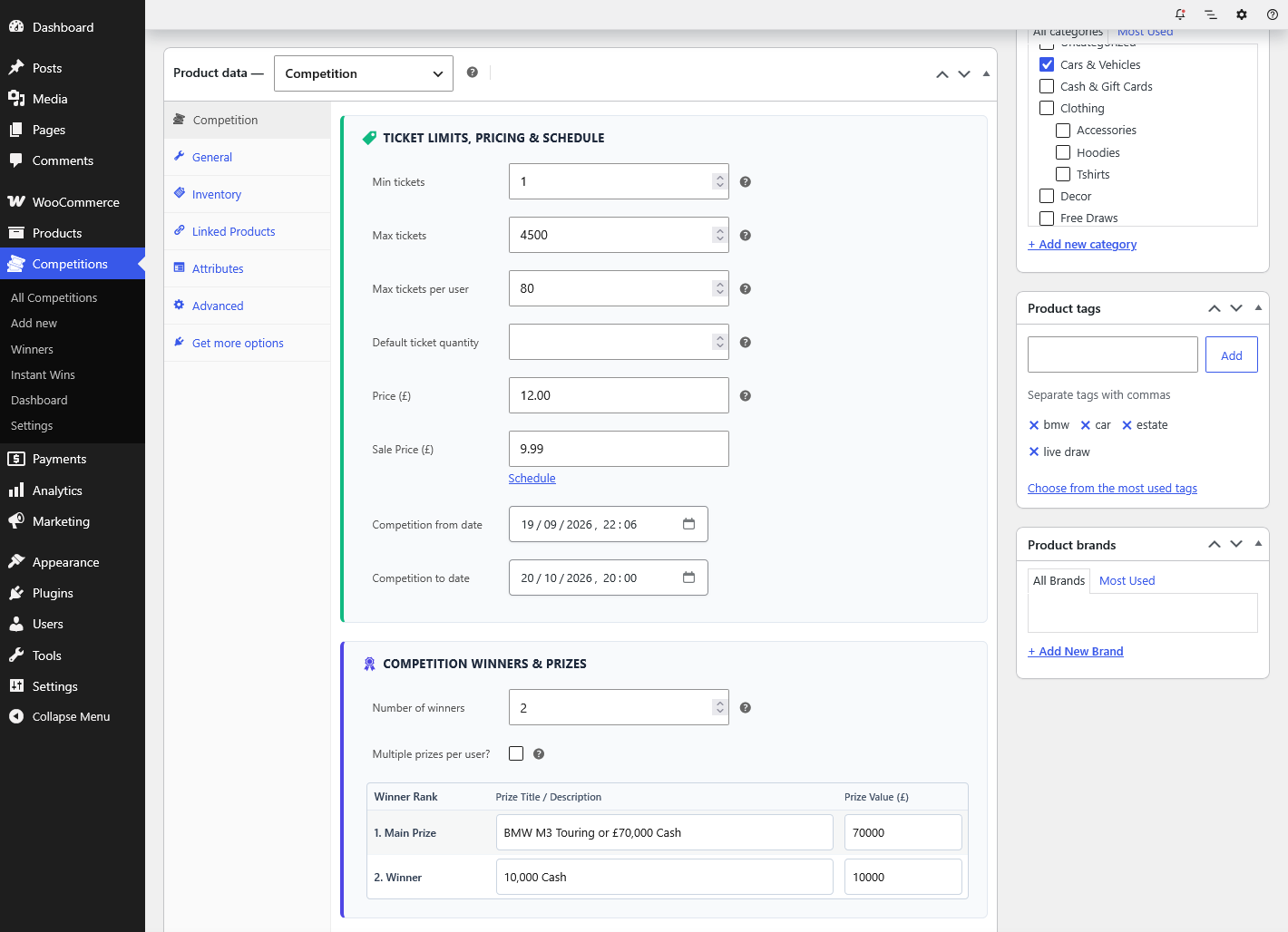
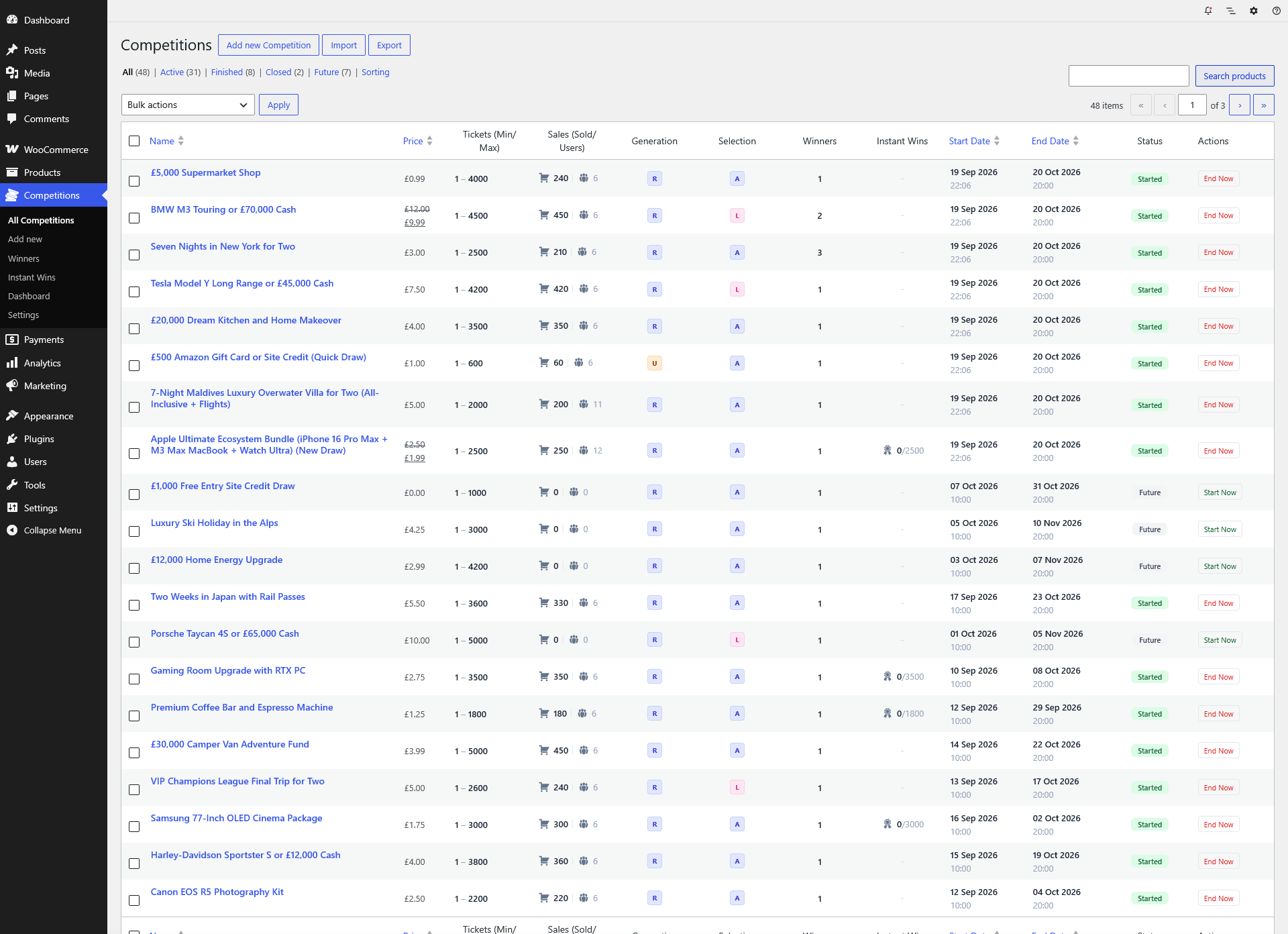
A dedicated Competitions area brings your day-to-day administration together, from setting up a draw to reviewing entries and winners.
- View competition status, ticket sales, and winner records.
- Import instant prizes and export winner lists.
- Add postal entries and manage competition schedules.
- Customize storefront displays with Elementor, Gutenberg, and shortcodes.
Moving from WooCommerce Lottery
Your next step, built on your existing competitions.
Quantum brings the lottery engine and ticket picker into one plugin. Its migration path reuses existing lottery products and ticket tables, with automatic conversion of supported legacy settings.
Your existing setup
- WooCommerce Lottery plus the Pick Ticket Number add-on.
- Existing competition products, ticket records, and winner history.
- Legacy settings, shortcodes, and any site customizations.
With Quantum
- Competition engine and ticket picker in one plugin.
- Instant prize reveals, Quantum random engines, and live draw tools.
- Supported legacy data and shortcode aliases carried forward.
Back up your site and test the switch on staging first. Review custom templates and integrations before replacing your live setup.
Need help with imports or customizations?
If you need a hand importing your data or moving existing competitions to Quantum, get in touch and tell us about your current setup.
Have a special requirement or an idea for your competition site? We are always happy to discuss customizations and explore what we can build for you.
Customer reviews
What customers say about WooCommerce Lottery
Selected review excerpts from customers of WooCommerce Lottery, the predecessor to Quantum. These reviews describe their experience with the original plugin and our team.
“…support and the reactivity of the staff is prodigious.”
“…the extra customisation we have paid for is incredible…”
“Brilliant customer service, quick replies…”
WooCommerce Lottery on CodeCanyon: 4.18/5 average from 94 ratings. Checked September 23, 2026.
Before you buy
Frequently asked questions
What does the selected plan include?
Your plan includes plugin updates and developer support for the selected period. You can extend this coverage by renewing through your wpgenie account.
What happens when my plan expires?
When your plan expires, plugin updates, developer support, and access to the wpgenie Quantum Randomizer end. Public verification links show an inactive-domain notice instead of verification details while your domain is inactive.
If the wpgenie Quantum service rejects a request, winner selection falls back to the local random generator, without a new Quantum signature. Renew manually through your wpgenie account to restore access; no automatic recurring payment is taken.
Do I need a separate ticket picker plugin?
No. Quantum includes manual ticket selection, Lucky Dip, and automatic random allocation. You do not need the legacy Pick Ticket Number add-on alongside it.
Do I need my own ANU API key?
Only if you choose the direct ANU integration. The wpgenie Quantum Randomizer is provided for licensed users, and the PHP random engine does not require an external API key.
Is a wallet included?
Wallet credit integration uses the separate TeraWallet plugin. Install and configure TeraWallet, then enable automatic crediting for the relevant instant prize categories. Read the wallet setup guide.
Can I move an existing WooCommerce Lottery site?
Yes. Follow the migration guide to back up your site, deactivate the legacy plugins, activate Quantum, and check your settings and competitions. Test custom code and theme overrides on staging first.
What does my site need?
A WordPress site with WooCommerce and a hosting environment that meets the plugin requirements. Scheduled draws and ticket releases also need reliable cron execution. Check the current system requirements.
Ready to build your competition site?
Choose your updates and support term below, or explore the live demo first.