

Description
Mystery box products
Choose the possibilities. Let customers discover the result.
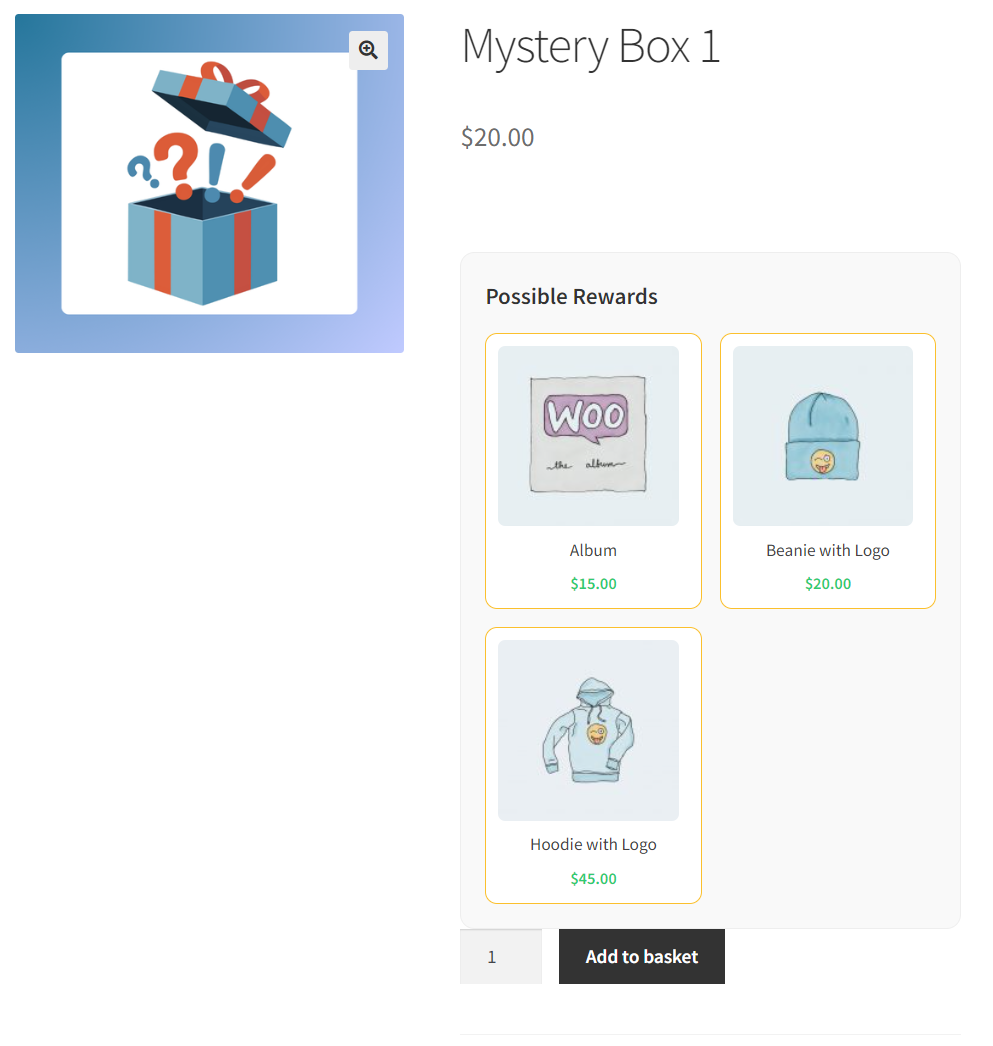
Create a Mystery box product, select the items it can contain, and set their available stock. Each opened box reveals one randomly selected item from your selection.
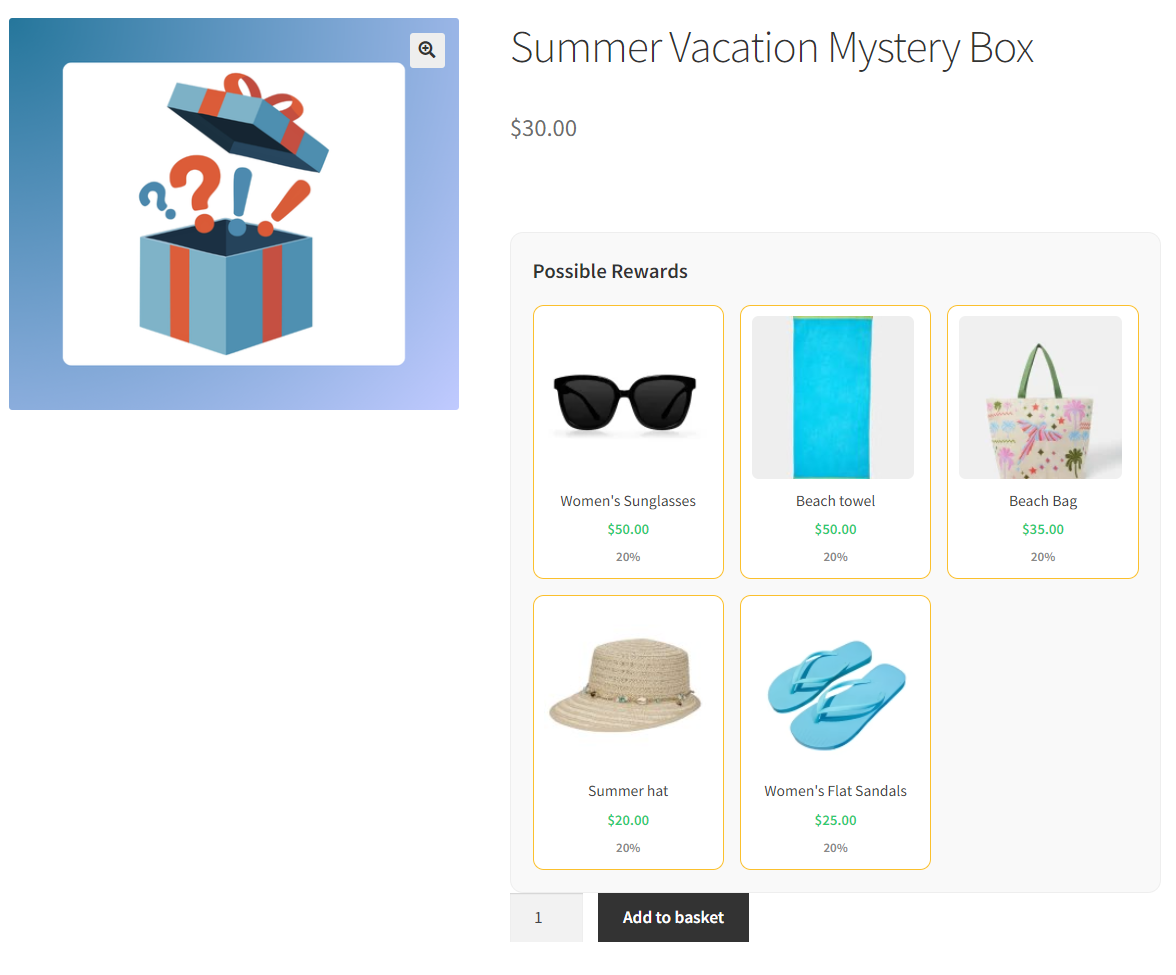
- Show possible rewards on the product page.
- Choose whether to display item values.
- Adjust where the rewards list appears.
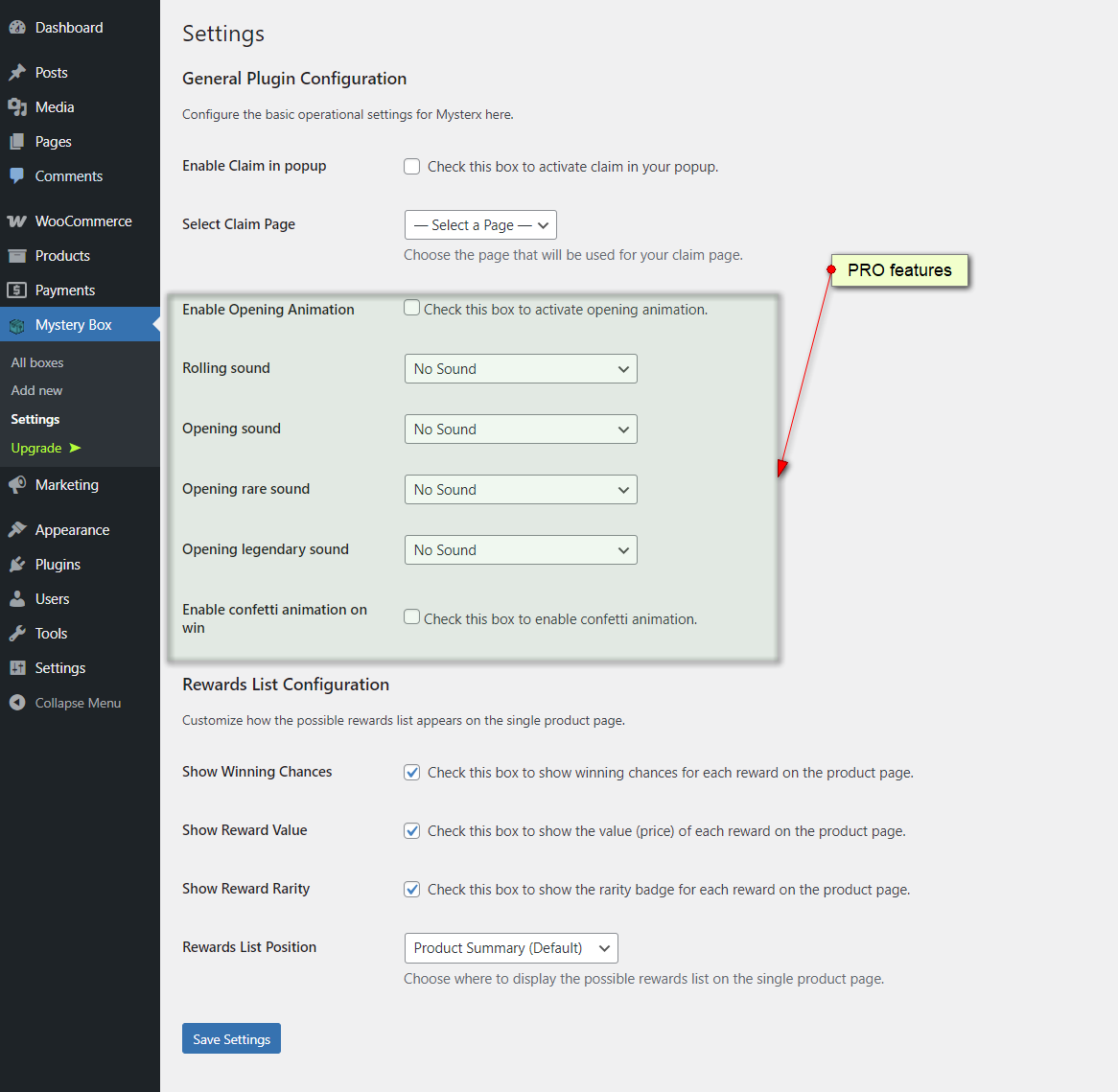
PRO opening experience
Turn the reveal into an unboxing moment.
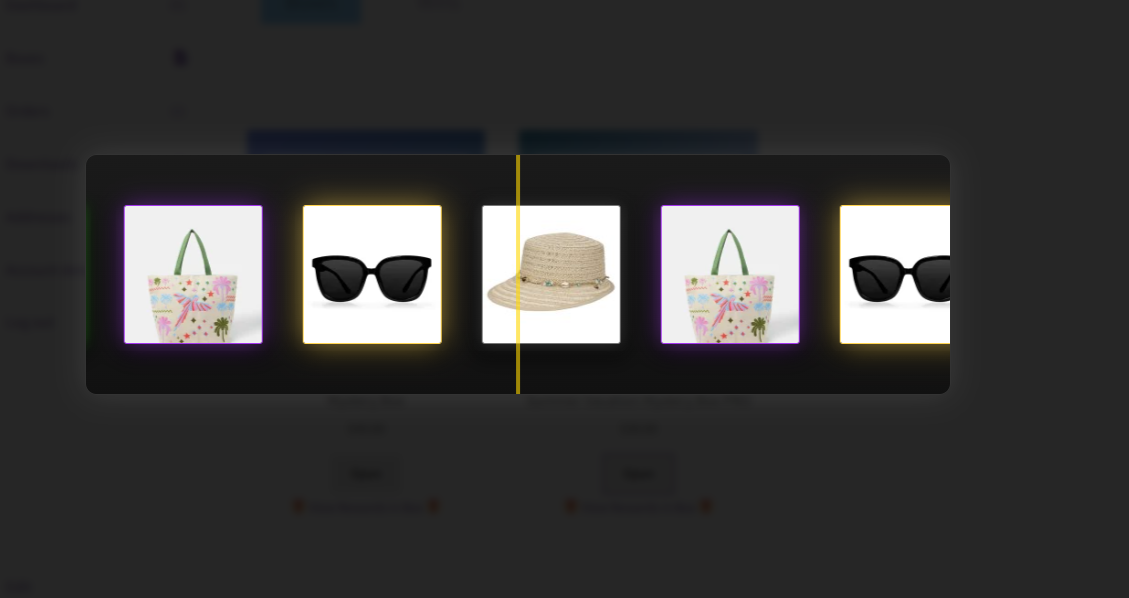
PRO adds a game-style opening animation, sound effects, and confetti when the reward is revealed.
- Configure rolling and opening sounds.
- Use distinct sounds for rare and legendary rewards.
- Choose built-in effects or your own audio.
PRO probability & presentation
Give each reward its place in the box.
Assign relative weights to make some items more likely than others. PRO also adds rarity classes, from common through legendary.
Higher weight means a greater relative chance of selection. Weights are not a guarantee of a particular result or a fixed percentage on their own.
The free version uses equal item chances. Custom weights and rarity classes are PRO features.
Customer account
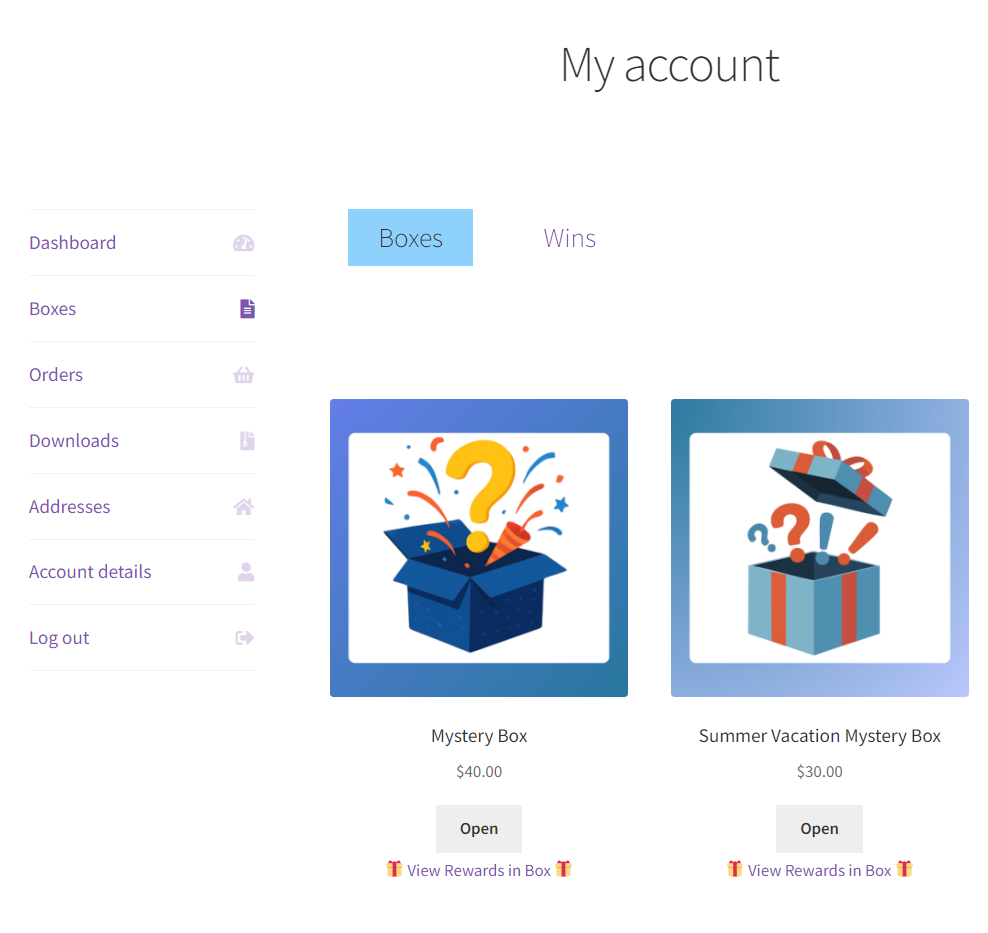
Keep unopened boxes and past wins together.
The order thank-you page links customers to My Account > Boxes. From there, they can open their boxes and review their results in the Boxes and Wins tabs.
Enable a claim popup and optionally link it to your chosen claim page.
Reward notifications
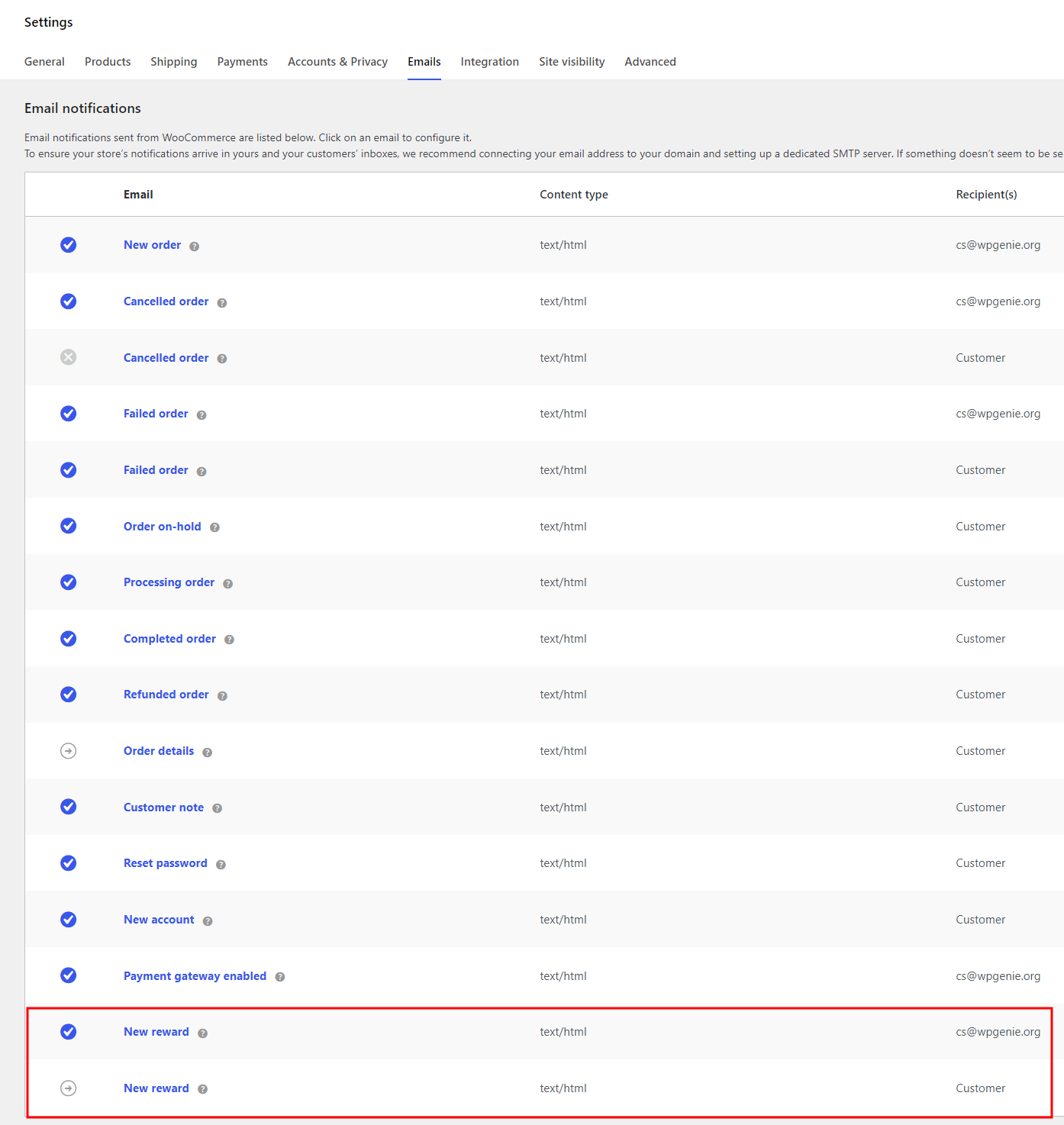
Send the result to the customer and your team.
Mysterx includes reward emails for the customer and store administrator when a box is opened.
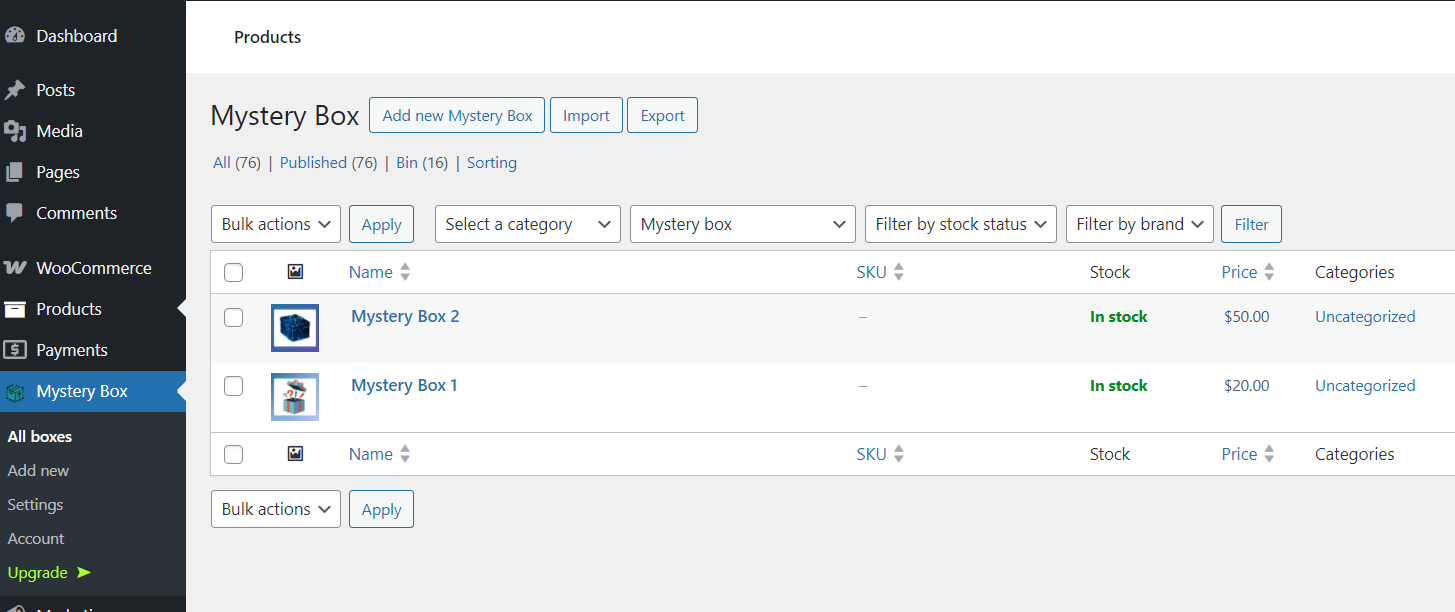
Use the dedicated Mystery Box area to manage your box products. Shortcodes let you display box collections and customer boxes elsewhere in your store.
Free & PRO
Start with the essentials. Upgrade for more control.
Free on WordPress.org
- Mystery box products and item stock settings.
- Possible reward lists and equal item chances.
- Customer Boxes and Wins, claim options, and reward emails.
- Shortcodes for box collections and customer boxes.
PRO adds
- Custom item weights and rarity classes.
- Animated opening and confetti.
- Custom rolling, opening, rare, and legendary sounds.
- Access to wpgenie ticket support.
Install the free plugin, then use its upgrade option to get PRO.
Want to offer a mystery box as a gift?
Combine Mysterx with a separate free-gift plugin to add a box to qualifying orders. Automatic gift rules are not included in Mysterx itself.
Before you install
Frequently asked questions
How do I upgrade to PRO?
Click Install free version to get the plugin from WordPress.org. Install and activate it on your WordPress site, then use the upgrade option inside the plugin to purchase PRO.
Can I start with the free version?
Yes. Install Mysterx from WordPress.org. Upgrade to PRO when you need weighted rewards, opening effects, custom sounds, or ticket support.
Does one box give the customer every listed item?
No. The list shows possible rewards. Opening a box reveals one randomly selected item.
What changes with PRO probability controls?
The free version gives items equal chances. PRO lets you assign relative weights, so you can make selected rewards more or less likely.
Where do customers open their boxes?
In My Account > Boxes, reached through the link on the order thank-you page. The Wins tab keeps their reward history available.
Are animations and custom sounds included for free?
No. The opening animation, custom sounds, and confetti are PRO features.
Does Mysterx automatically add free gifts to orders?
No. Use a separate free-gift plugin to set the conditions that add a mystery box to an order.
Build your first mystery box.
Get the free plugin from WordPress.org and create your first box. Upgrade from the plugin when you are ready for PRO.









Reviews
There are no reviews yet.