How to Set Up a Dutch Auction in WooCommerce (Free Plugin)
A great way to attract customers’ attention to your store is through a Dutch auction (or a decreasing-price sale), where buyers wait for the next price drop, knowing that waiting too long may mean losing the item they want. In 2022 Samsung Electronics Australia ran an excellent Black Friday “Reverse Auction” campaign, which involved starting a product listed at full retail price and letting the price drop until all ...
How to set up an instant-reveal mystery box in WooCommerce store
Instant-reveal mystery boxes are a highly effective, easy-to-implement gamification strategy that can boost engagement, clear inventory, and drive repeat purchases in your WooCommerce store Mystery boxes have been extremely popular for the past few years, but as a concept they have a surprisingly long history. Some trace their origin to "grab bags" and "lucky dips" of Victorian-era fairs and markets, while others find their direct cultural ancestor in Japan's ...

How to Add a YouTube Video to WooCommerce Product Pages (Without a Plugin)
Adding a YouTube video to your WooCommerce product pages can significantly boost engagement, improve conversion rates, and help customers better understand your product, ultimately reducing costly returns. There are several dedicated plugins that let you add YouTube videos to your product pages. But if you want to avoid adding one more plugin to your WordPress site (and that means: another plugin to keep updated, extra scripts loading on every ...

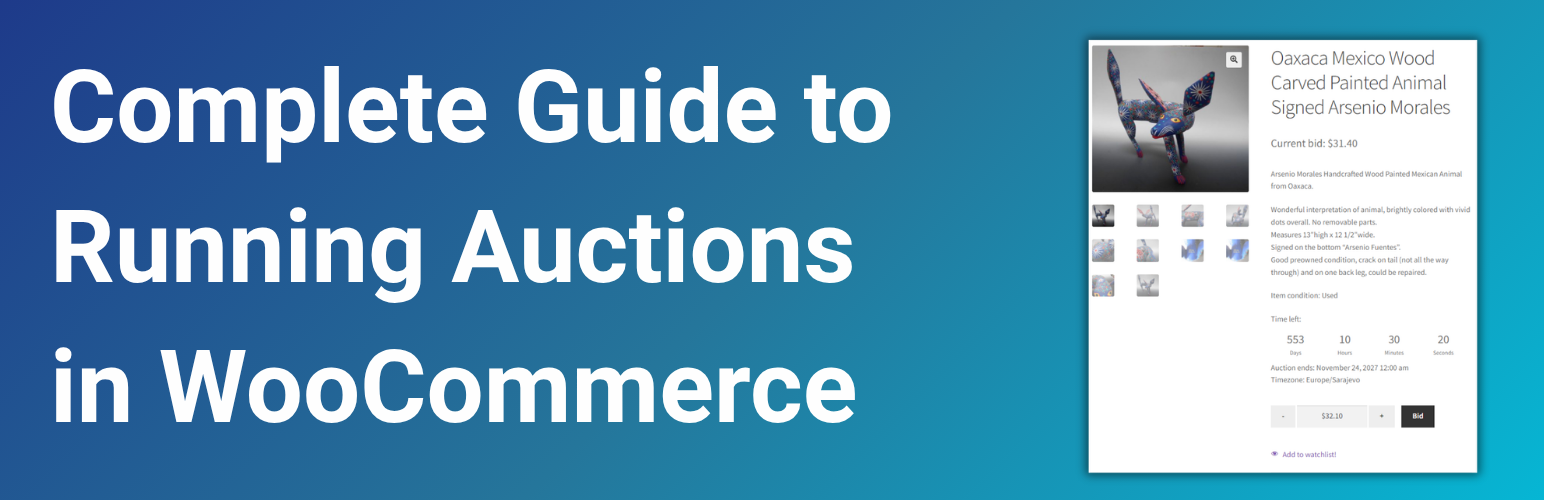
How to Add Auctions to Your WooCommerce Store: The Complete Guide
If you think about online auctions, eBay is the first thing that comes to mind. But much has changed since the early days of eBay, from the type of merchandise offered to buyers' preferences. Nowadays, reports show that just 12% of listings use the auction format. Auctions still shine for niches like collectibles or antiques, but even those sellers are not quite satisfied with the world's biggest marketplace. High ...

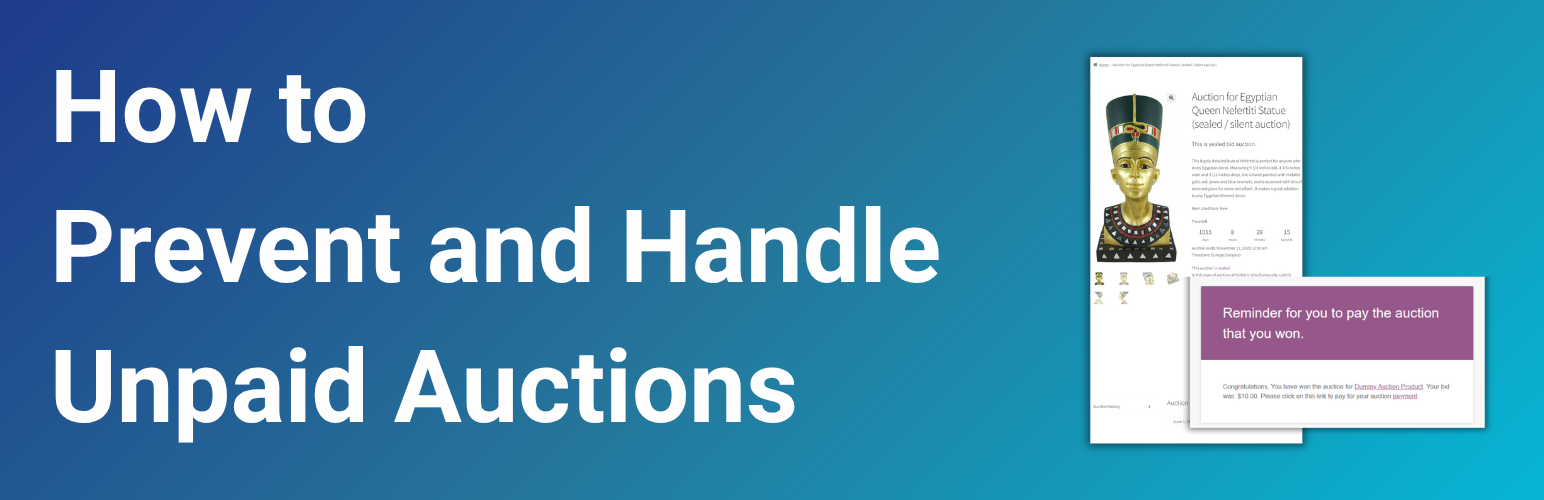
WooCommerce Auction Winner Didn’t Pay? How to Prevent and Handle Unpaid Auctions
Non-paying auction winners are one of the biggest challenges in managing online auctions. This tutorial explains how WooCommerce Simple Auctions helps prevent non-paying bidders, and what options sellers have when a winning bidder doesn't complete payment. If you run WooCommerce auctions, you've probably encountered this kind of problem: "At least once a week I get someone who wins a bid and then doesn't pay. I just had a buyer ...

How to Add Free Tickets to WooCommerce Subscription-Based Competition
Learn how to reward competition subscribers with free tickets using WooCommerce Subscriptions and Subscription Gifts for WooCommerce Many of our clients running websites with our WooCommerce Lottery plugin and Pick Ticket Number add-on use WooCommerce Subscriptions to run subscription-based competitions. Recently, we’ve received multiple requests for a reliable way to automatically reward subscribers with free tickets, either when they first subscribe or on each renewal. That feedback led us to ...

How to Add Free Gifts to WooCommerce Subscriptions
Want to encourage your customers to subscribe? This tutorial shows you the easiest way to add free gifts to WooCommerce subscriptions. In recent years subscriptions have become a standard part of how consumers shop online. In 2025, nearly every product category, from food and beauty to health and tech, has integrated some form of subscription. Numbers look great: the rapid expansion of online shopping is expected to drive the growth ...
Self-Exclusion in WooCommerce: Player Protection for Competition Sites
Learn how to enable competition players to set personal spending limits and purchase restrictions on their accounts using the Spending Limits for WooCommerce plugin If you run a WooCommerce competition or raffle site, you are probably aware that responsible gaming tools aren’t just a good practice: they’re becoming essential. Around the world, many regulators now require online gaming sites to offer player protection features like spending limits and self-exclusion ...

How to Target WooCommerce Customers Based on Products They Ordered
Black Friday and Cyber Monday sales are behind us, and if you’re running a WooCommerce store, you now have customer order data that can be incredibly valuable for your future sales strategies. You might have sold dozens or even hundreds of different products, with some clear bestsellers while others didn’t sell at all. You may also have many newly registered users, though only some of them actually completed a ...

How WooCommerce Lottery chooses winner when there are no ticket numbers?
A great way to go viral in a saturated market is implementing online prize draws. Promotional games and contests are considered a great marketing tool since they are often an easy and fun way to gain potential customers’ attention. Whether that's a competition, a giveaway, or some other kind of prize draw, they add the thrill of possibility, create a sense of urgency, and when promotions are time-sensitive, customers ...

WooCommerce VS Shopify: Control or Convenience?
Shopify nightmare scenario: Getting locked out while sales are still live If you are in the process of choosing an e-commerce platform, you are probably aware that there’s ongoing debate between two most popular platforms, Shopify and WooCommerce. So, which is the best solution for your online store? There are many articles comparing and analyzing these two platforms based on pricing, sales features, marketing integrations, store design, setup, store ...

How to Bulk Delete Users by Email Address
If you're running a WordPress site with user registration enabled, chances are you’ve faced problems similar to this: “How can I delete over 10,000 bot accounts who have signed up to my site? “ Or something like this: “I have over 2,000 email addresses with hard bounces in Mailchimp. How can I upload csv list or copy paste 2k email addresses to be removed from WordPress?“ While the clever ...

How to Run a WooCommerce Storewide Sale in 5 Minutes
Let’s talk about a well-known scenario that many webstore owners are about to face: Black Friday is just around the corner, and you want to put your entire WooCommerce store on sale. So, you Google “How to reduce prices for all products in my store?” and “WooCommerce discount plugin” and find an overwhelming number of options, loaded with 100+ features, complicated rules, and documentation so detailed it might take ...
How to Create a Dedicated Sale Page in WooCommerce
Display all your WooCommerce sale items on one browsable page with full catalog functionality ⚡ Quick answer: How do I show all sale items on one page? The easiest way is to use the free OnSale Page for WooCommerce plugin. It takes 5 minutes: Install plugin → Create page → Select in WooCommerce Settings → Refresh permalinks. Your sale products now have a proper catalog page with pagination, sorting, ...

Editing of hidden meta fields: WordPress plugins for editing post, page and product hidden meta fields
Sometimes, when some mistake occurs you need to modify or delete hidden meta fields. In our FAQs sometimes we suggest that you edit a hidden product meta field like _lottery_closed in FAQ item no 38 here. But plugins for those operations are usually hard to find, are abandoned or just do not have updated versions so they are not listed in Add Plugin when you search for those. For that ...