We’re excited to announce Simple Auctions 4.0, the biggest update to our WooCommerce auction plugin so far. This release turns Simple Auctions from a single-auction tool into a complete auction platform.
The headline feature of 4.0 is a new product type, the Auction Lot. It groups multiple individual auctions into one auction event that you can run in parallel or sequential mode. This update also brings new buyer fee options, performance tracking, and a faster, smoother bidding experience.
Here are the highlights.
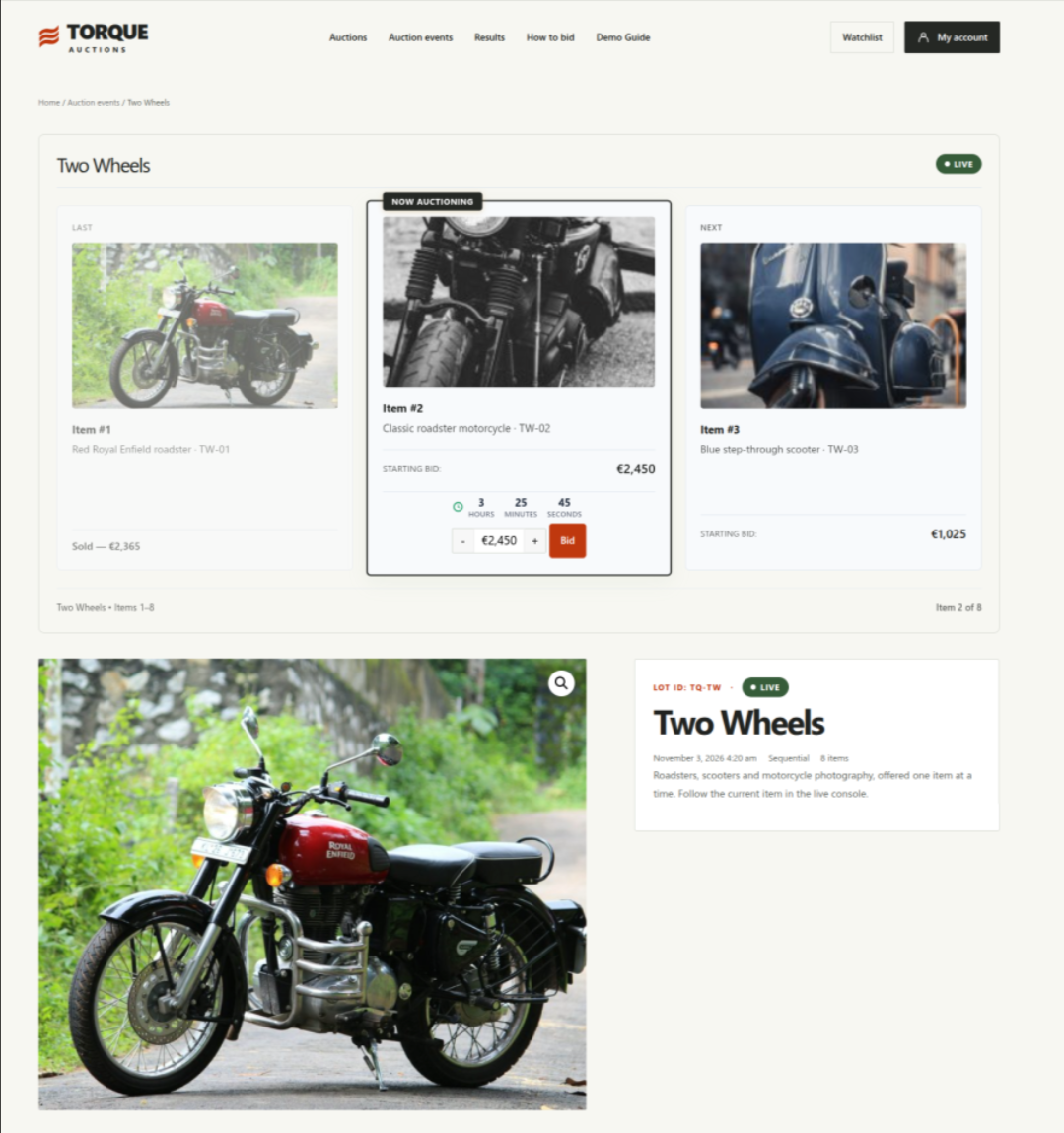
Auction Lot: run multi-item auction events
- Parallel mode: all auctions in the lot start and end at the same time (simultaneous closing)
- Sequential mode: auctions run one after another, and each starts as soon as the previous one ends (sequential closing)
- Sessions: split the auctions in a lot into scheduled groups
- Viewing days: for in-person inspection before the auction starts
- Cron automation to keep everything running on schedule
- A lot results dashboard with summary statistics
- Winner order creation, combined lot orders and relisting controls
- Lot display shortcodes and a new Elementor Auction Lots archive widget
- Lot Live email notifications and Watchlist placement options
Buyer fees and seated auctions: new ways to monetize
Simple Auctions 4.0 gives you more control over how your auctions earn money.
Buyer fees can be fixed or percentage-based, charged per auction or per order. You can override them for individual auctions and lots, and they work with WooCommerce tax classes.
Seated auctions require a product purchase (a “seat”) before a customer can bid. An optional progress bar shows how many seats are filled.
Paid-auction relisting is now configurable, too.
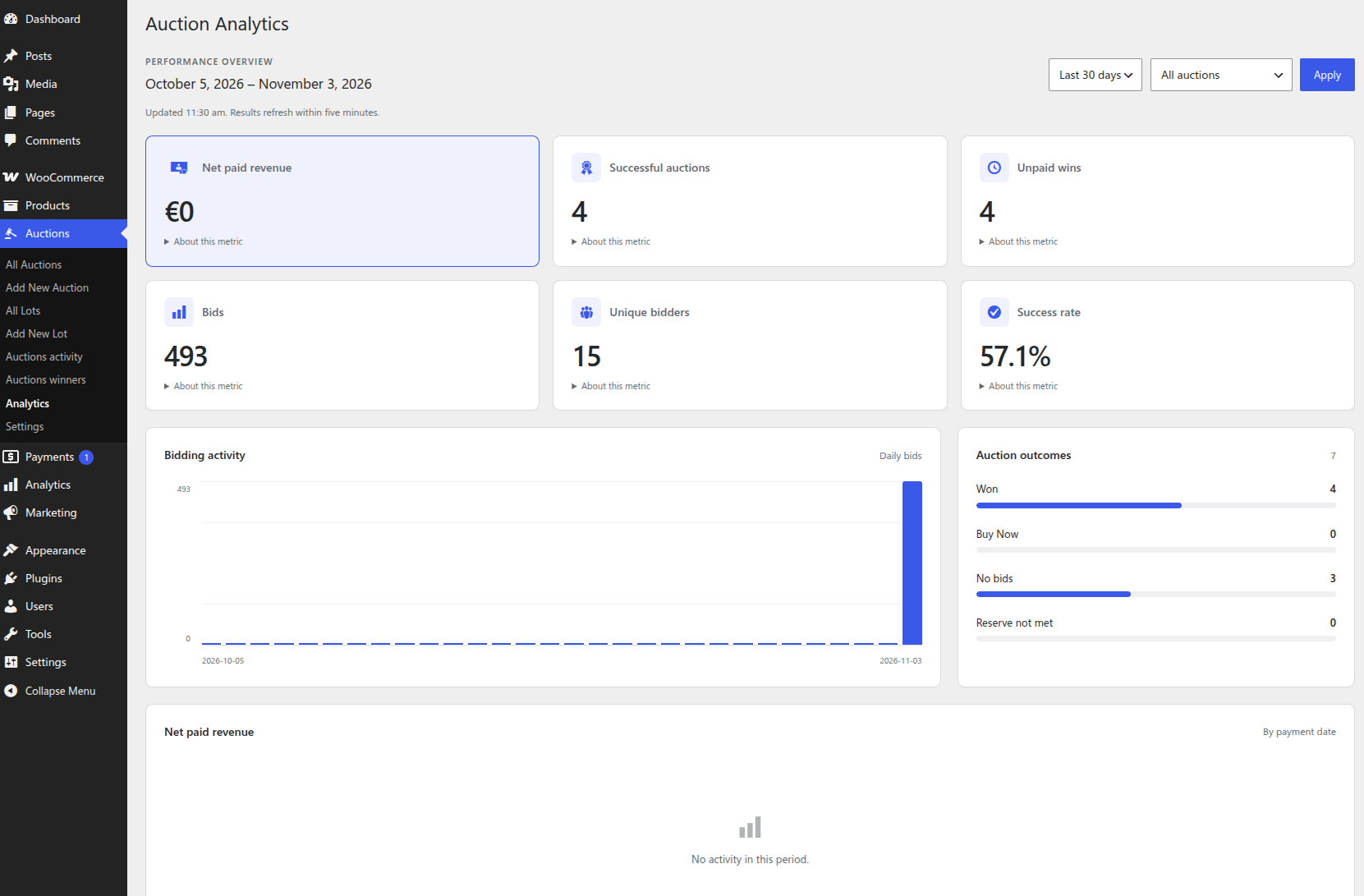
Auction Analytics
See how your auctions perform without leaving WordPress. The new Auction Analytics gives you the numbers you need to understand what works and what doesn’t.
A better bidding experience
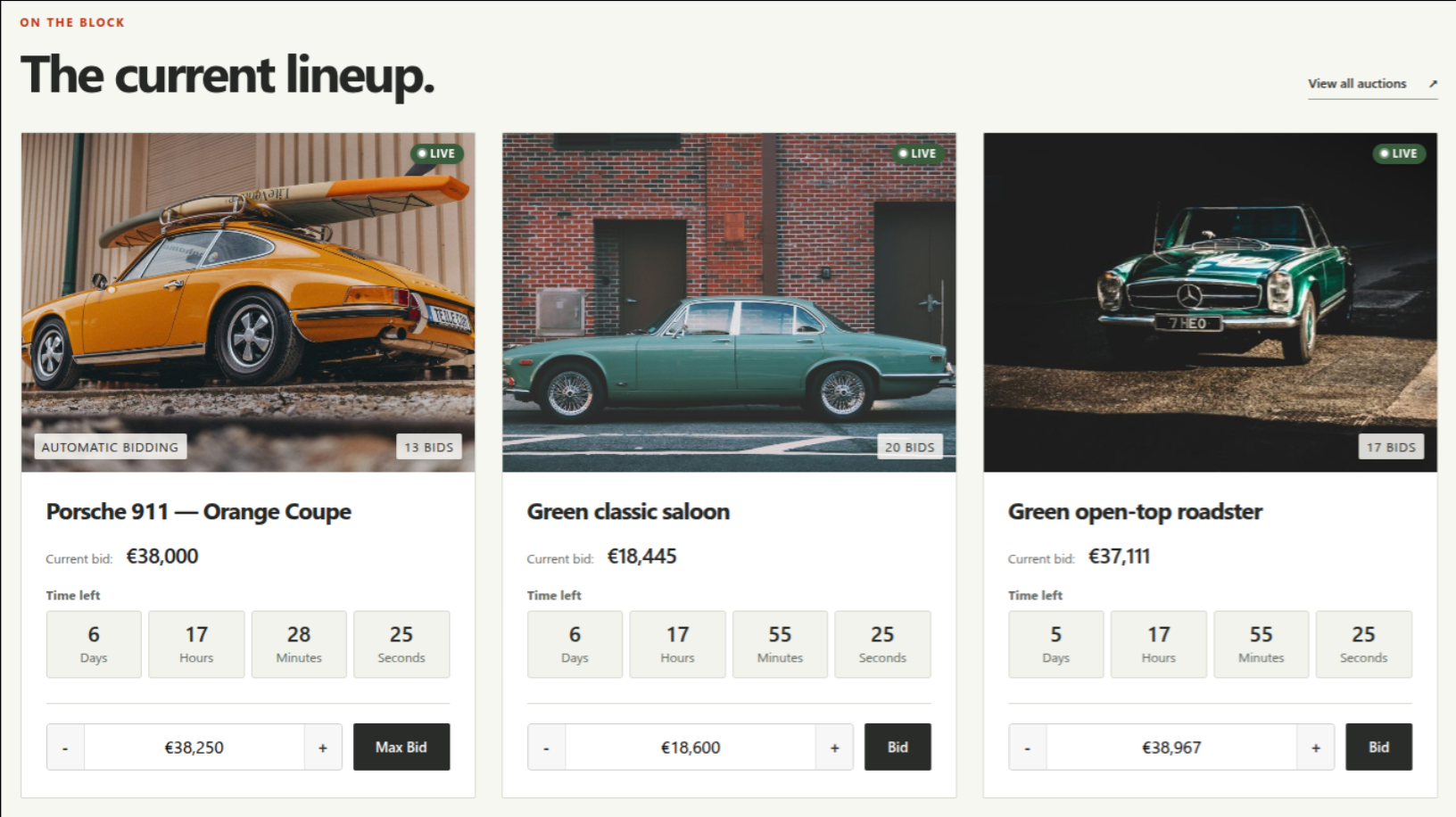
Bidders get a faster, clearer interface:
- AJAX bidding, including bid forms directly in shop loops and product cards
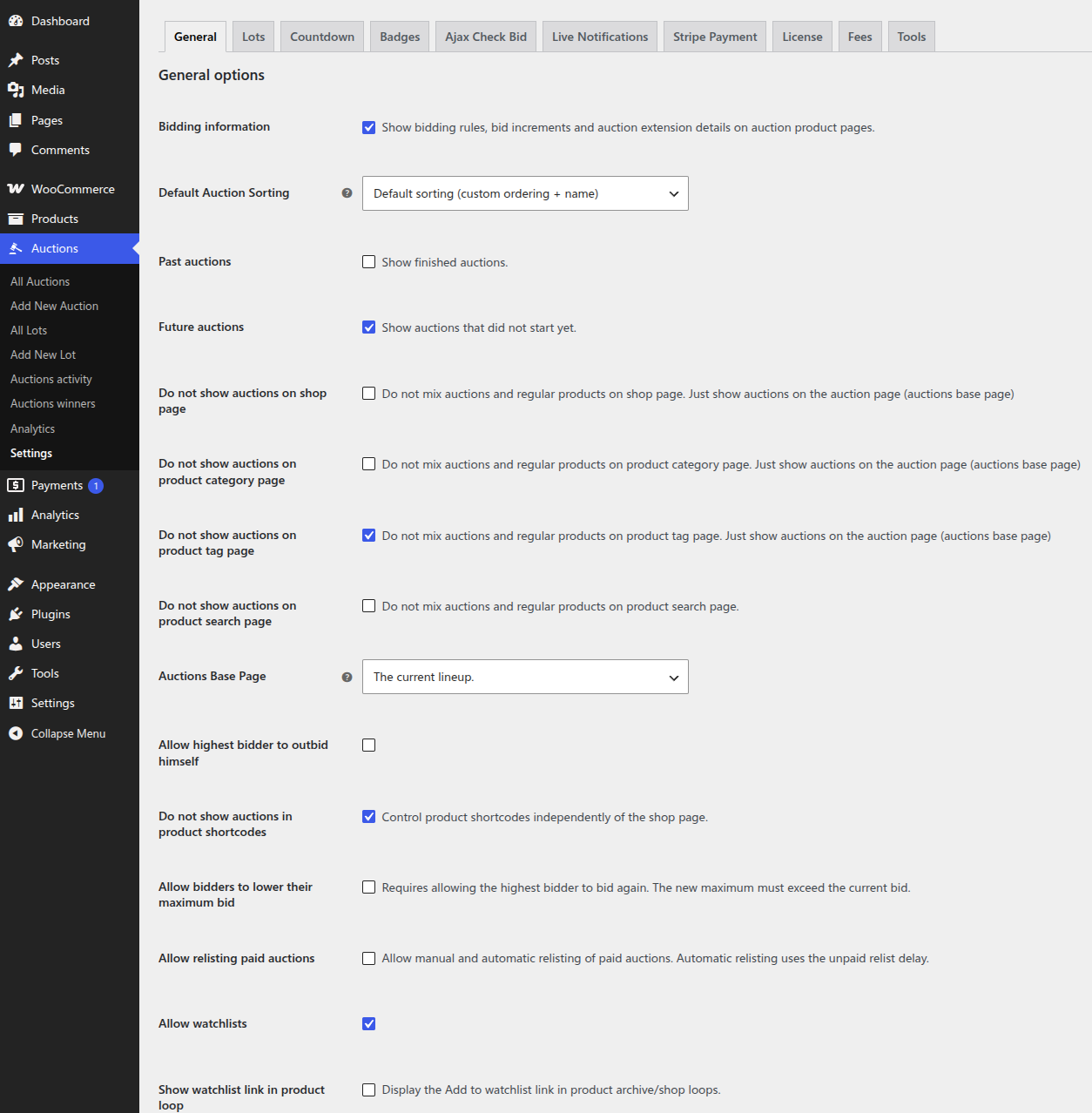
- Bidding information on product pages: rules, bid increments and anti-sniping details
- Badges for Auction, Lot, Winning, Outbid, Sold, auction type and bid count
- Live winning/outbid badges, reserve status and proxy bid notices
- My Account settings for bidder preferences
- An option to lower a normal proxy maximum within permitted bid limits
Easier management for store owners
- A dedicated Auctions admin menu with auction and lot lists and quick-create links
- Visibility settings for auctions and lots in the shop, archives, search, shortcodes and admin product lists
- Sample auction/lot CSV data to get started quickly
- Object caching options and stats under Settings > Tools
- Optional secret token protection for external cron jobs, plus an external cron status screen
WPGenie account and licensing
Version 4.0 introduces WPGenie account and Site Key activation, with staging site registration and licensed WordPress updates. Eligible active licenses also get a new Support submenu showing ticket status and unread replies, right inside your dashboard.
Reliability, security and compatibility
Alongside the new features, 4.0 includes a long list of fixes and improvements:
- Sequential lot timing, sessions, pause/resume, countdown sync and anti-sniping overrides
- Ended auctions and lots are now locked, and can be restarted through Relist
- Relisting preserves paid orders and order history, including Buy Now orders and HPOS admin links
- Better sealed-bid confidentiality, bid validation and request protection
- Improved database query performance and caching
- Fixes for block theme templates, archive titles, breadcrumbs, badges and countdown display
- Corrected activity and winners CSV exports
Upgrade-safe: existing Simple Auctions settings, bid records, order links, shortcodes, widgets, Elementor settings, theme template overrides and hooks are preserved during the database upgrade.
Requirements: WordPress 6.2 or later.
You can get WooCommerce Simple Auctions 4.0 in our store.
Looking for other ways to improve your WooCommerce store? Check the complete list of our plugins that can help you bring your clients the best online shopping experience!